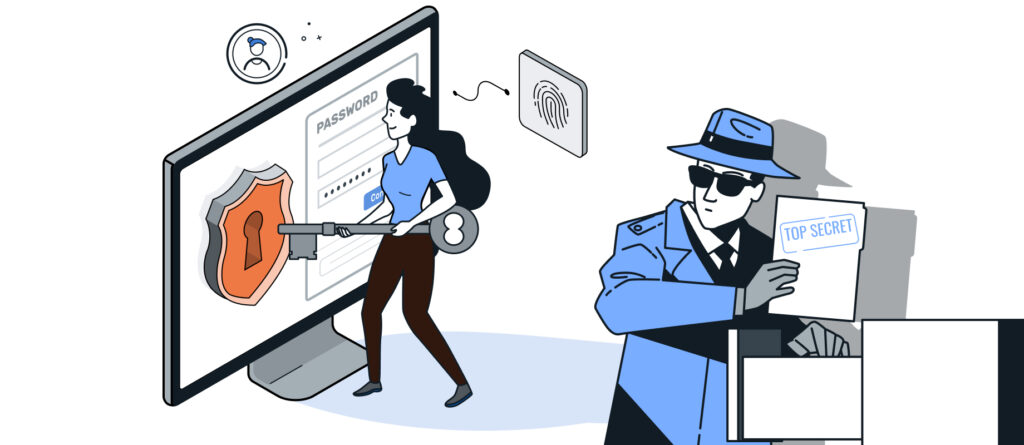
Today, on World Wide Web Day, we celebrate the achievements of the Internet and the role it plays in our daily lives. More and more activities—both personal and business-related—are shifting to online services. That is exactly why it is important to think about the security of our online activities.
To secure these activities, we need more and more (secure) passwords. According to a study conducted for World Password Day 2017, every person living in Germany at that time already had 78 online accounts—and that number has since risen significantly.
In a previous blog post, we already discussed what actually makes a password secure: Password Security.
Well, no one can remember more than 100 passwords—so how do people deal with this?
- You write down your passwords (maybe even on a sticky note on your monitor?)
- You save them in a file
- You save them in your browser
- You use the same password for multiple accounts (and only remember that one)
- You use a password manager
- They use weak passwords that are easy to remember
For example, Option 4 is particularly insecure because if a service’s password database is hacked, all accounts immediately become vulnerable.
Too few Internet users know what a password manager is—and even fewer use one.
So, what exactly is a password manager?
A password manager is a software program that allows users to store, manage, and use login credentials and passwords in an encrypted format.
 Source: KeePass
This provides a centralized password management system in one place. Login credentials can be grouped by category (e.g., in a tree structure)—and, in addition to the username and password, the login URL and other account information (e.g., IBAN) can also be stored. This protects accounts from unauthorized access while still making them easy to use. Handwritten notes and unprotected text files are now a thing of the past.
Other confidential data, such as ID card information, health information, secure notes, and SSH keys, can also be stored.
Some password managers are also capable of generating secure passwords that meet the requirements of the specific online service (e.g., at least one uppercase and one lowercase letter, one number, and one special character). In addition, they can assess the security of existing passwords.
 Source: KeePass
The „Auto-Fill“ option makes it even easier. There, you can configure the automatic filling of your login name and password in web forms. An alternative is browser add-ons, which retrieve the data from password managers via a local port.
By default, you access the password manager using a „master password.“ This password encrypts the password manager’s internal database, which is why it is considered particularly important to keep it secure. It is therefore recommended that you choose a very strong password for this purpose.
Access can be further secured by:
- Master Password + Key File
- Hardware (FIDO Key)
- Fingerprint Scanner
Some password managers are also capable of generating one-time passwords (OTP), which offers another advantage. This eliminates the need to use additional smartphone apps. One-time passwords are valid only for a limited period (usually 30 seconds) — and are typically generated via a hardware token or an authenticator app (e.g., Google Authenticator or Microsoft Authenticator).
There are various types of password managers, including both paid and free options, as well as open-source and non-open-source solutions.
Paid password managers:
- LastPass (not open source)
- 1Password (not open source)
- Dashlane (not open source)
- Bitwarden (Open Source)
Free Password Managers:
- Browser password managers (not open source)
- Smartphone apps (e.g., Google Password Manager for Android; iCloud Keychain for iOS) (not open source)
- KeePass and its derivatives (e.g., KeePassXC) (open source)
- Passbolt (Open Source)
- Psono (self-hosted) (Open Source)
- Teampass (Open Source)
Since passwords are stored in an encrypted file (for KeePass, for example, in KDBX format), users can quickly transfer them to a new computer or smartphone by copying the file.
If you want to use passwords across multiple devices (e.g., PC, smartphone, tablet), you can either synchronize your password files through the provider or handle the synchronization yourself (e.g., using cloud services). To exchange data, it’s important to be able to export and import it in various formats.
Are there any drawbacks to using a password manager?
Setting up a password manager for the first time can present a bit of a hurdle for users. Users must install the password manager once and familiarize themselves with how it works. In addition, they must set up their individual accounts in the password manager. If necessary, users must also obtain the secrets needed to generate one-time passwords. Those who wish to use browser add-ons must set them up on their own as well. It is also advisable to disable the browser’s built-in password manager, if it was previously active.
In addition to this initial hurdle, there are two main problems:
- The master password (and/or the key file or hardware key) is lost. In this case, you must either recover the lost items or rebuild the password file.
- The storage medium containing the password database is defective. For this reason, you should always have a backup plan (and actually follow it). Otherwise, you'll have to rebuild the password file here as well.
Conclusion
The relatively small effort required to set up a password manager is definitely worth it. Users get a clear overview of their accounts as well as a convenient tool for managing their login credentials. In addition, password managers encourage users to create strong passwords that are unique for each service, thereby increasing password security. Password managers have become indispensable for many people today, especially when it comes to staying safe online.